 Arthur O. April 1, 2026

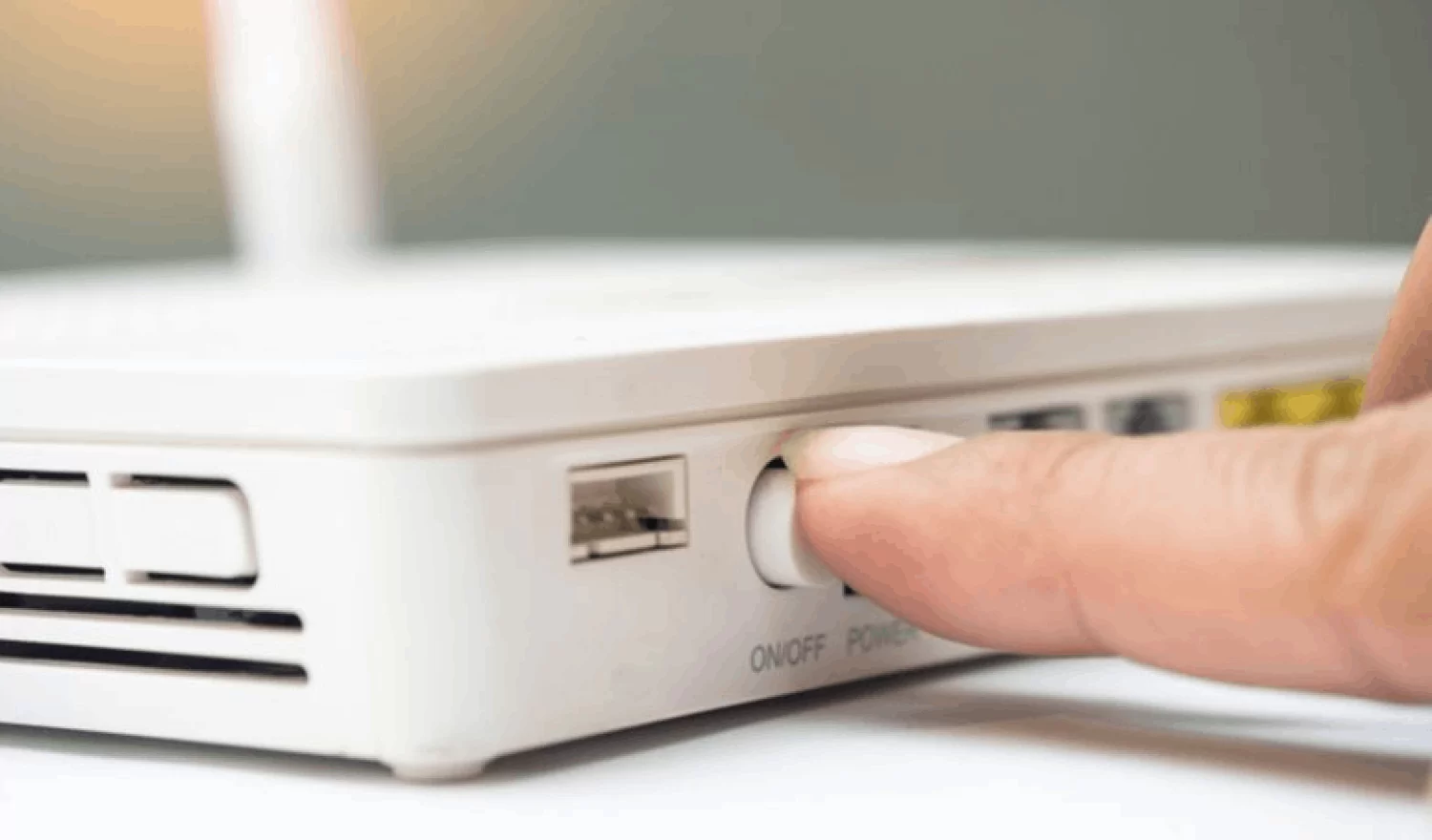
Rebooting a router can help because many router infections and bad connections live in temporary memory, so a power cycle can clear them out and disrupt some active malware or attacker sessions. It can also force the device to reconnect cleanly, which may pick up pending firmware updates or security patches that were waiting to apply.
That said, rebooting is only a temporary fix, not a real cure. If the router has weak passwords, outdated firmware, remote management turned on, or a deeper compromise in flash storage, the problem can come right back after the reboot.
What a reboot actually does
- Clears active processes and temporary connections.
- Can drop malware that is not built to survive a restart.
- May trigger pending updates to finish installing.
- Refreshes the network session with your ISP.
Reboot the router if you suspect something is wrong or to update the firmware. Also, change the admin password and Wi‑Fi password, and always replace the router if it is old or unsupported.
